Your phone can start feeling hot out of the blue. This is a common issue faced by many everyday users.
It usually happens when the phone works harder than usual or faces extra heat from outside. This article explains the main reasons and simple ways to handle it.
Many users notice this when they start using new apps or during hot weather.
Main Reason
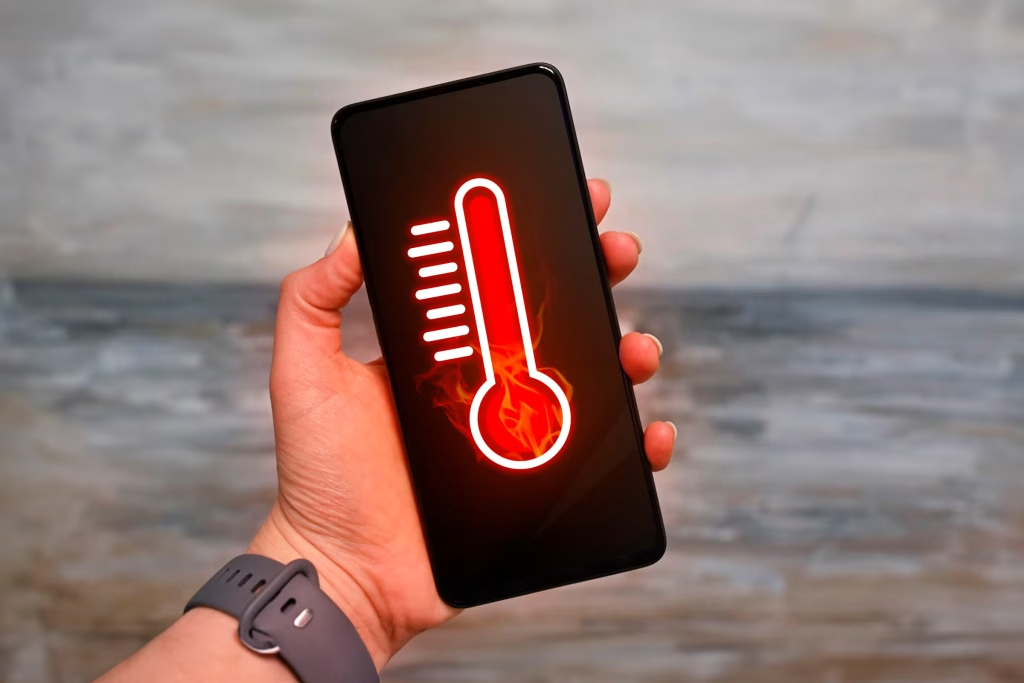
The top reason your phone’s heating problem suddenly starts is too many apps running at the same time.
- Your phone is like a small computer. When you open lots of apps, it has to work hard to keep them all going.
- Think of it like running around while carrying heavy bags. You get tired and warm quickly.
- Apps running in the background keep using power even when you are not looking at them. This makes the phone’s brain (called the processor) busy all the time.
- Most people don’t realize this, but even simple things like checking social media or maps can add up.
- If you switch between many apps without closing them, the phone gets warmer fast.
- This often surprises users because it happens suddenly after a normal day.
- For example, you might open a game, then watch a video, and leave messages open. All these run together and build heat.
- Phones do not have fans like big computers. So, the heat stays inside until it feels hot in your hand.
- Another everyday example is streaming videos or music for a long time. The phone keeps downloading and playing, which uses a lot of energy.
- This energy turns into heat.
- Gaming is a big one too. Games with nice pictures make the phone work extra hard, just like exercising makes your body warm.
- If you start playing a new game, the heating can begin right away.
- Background updates also play a part. Apps check for new info on their own, like weather or news.
- This quiet work adds to the load.
- Direct sunlight or a warm room can make it worse, but the main trigger is inside activity from apps.
- Older phones feel this more because they are slower at handling tasks.
- New phones are better, but heavy use still warms them.
- Charging while using the phone doubles the heat. The battery gets energy in and uses it out at the same time.
- It’s like eating a big meal while running.
- Many users notice the sudden heat after installing a new app that runs a lot.
- Or after a software update that fixes things but works hard at first.
- This is normal at the start, then calms down.
- But if apps keep running wild, the problem stays.
- Closing unused apps helps a lot. It gives the phone a break.
- Think of it as putting down those heavy bags to rest.
- Lowering screen brightness saves energy too, like turning down lights to save power at home.
- Avoiding hot places helps the phone cool naturally.
- In short, too many active apps make the phone overwork and heat up suddenly.
- It’s the most common cause for everyday users.
Other Common Reasons
- Direct sunlight or hot places. Leaving your phone in the sun or a warm car makes it absorb heat quickly.
- Charging issues. Using a bad charger or charging in a thick case traps heat inside.
- High screen brightness. A very bright screen uses more power and creates extra warmth.
- Old software or apps. Outdated versions can have bugs that make the phone work harder.
- Streaming or gaming a lot. Long videos or games push the phone to its limit.
- Thick phone case. Some cases hold in heat instead of letting it out.
What You Can Do
Here are simple steps to fix or prevent the heating:
- Close background apps. Swipe away apps you are not using right now.
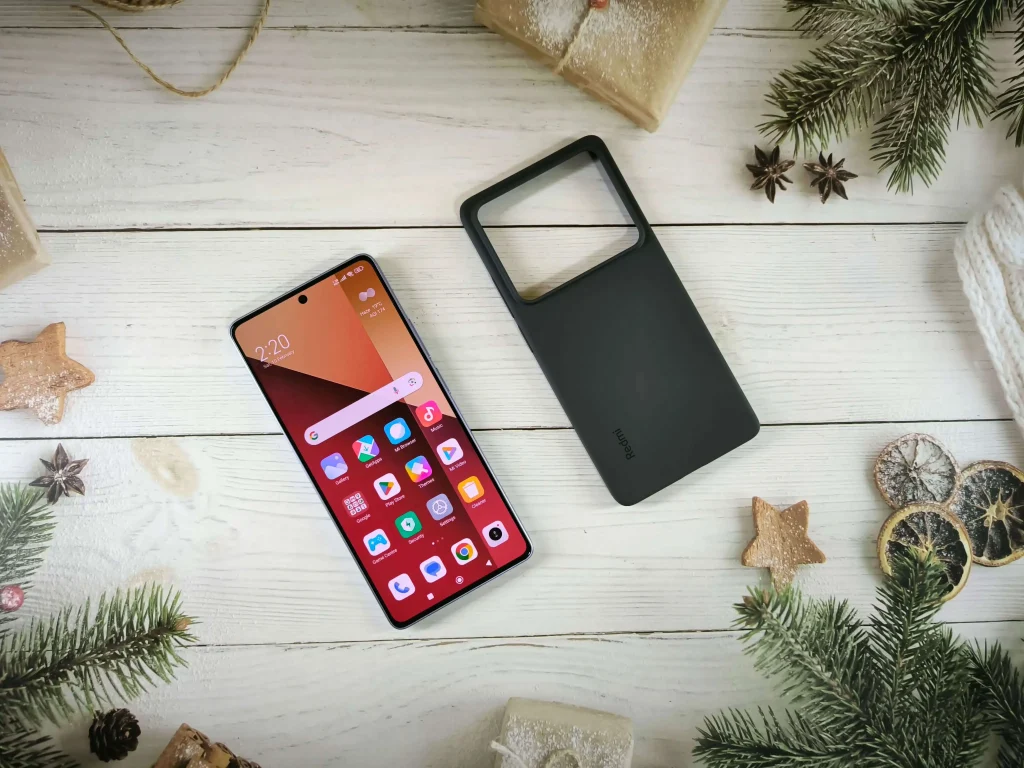
- Remove the phone case while charging or when it’s warm. This lets air flow better.
- Keep the phone out of direct sun. Put it in shade or a cool spot.
- Lower screen brightness. Use auto-brightness if your phone has it.
- Update apps and phone software. New versions often fix heat problems.
- Avoid using heavy apps while charging. Wait until it’s full.
- Restart your phone sometimes. This clears temporary issues.
Is This Normal or a Problem?
A little warmth is normal for phones, especially during games, videos, or charging.
Phones are made to handle everyday use without big issues.
This often surprises users, but slight heat means it’s working.
Be careful if it’s too hot to hold comfortably or shuts down on its own.
That could mean something needs checking.
Most times, simple changes cool it down fast.
No need to worry right away – just try the easy fixes.
FAQs
Why does my phone heat up when charging?
It happens because charging adds energy, and using the phone at the same time creates more heat.
Can a phone case cause heating?
Yes, thick cases can trap heat. Try removing it to see if it helps.
Is heating bad for the battery?
A bit is okay, but too much over time can shorten battery life.
Why does it heat up even when idle?
Background apps or old software might be running quietly.
When should I get help?
If it’s very hot often or shows warning messages, check with a store.
Conclusion
Phone heating that starts suddenly is usually from busy apps or extra heat.
Try closing apps and keeping it cool.
These small steps often fix it and keep your phone happy.
You may also like:
- Why phone heats while charging
- Why phone battery drains fast
- Why phone lags suddenly